

Key Takeaways
Our Verdict
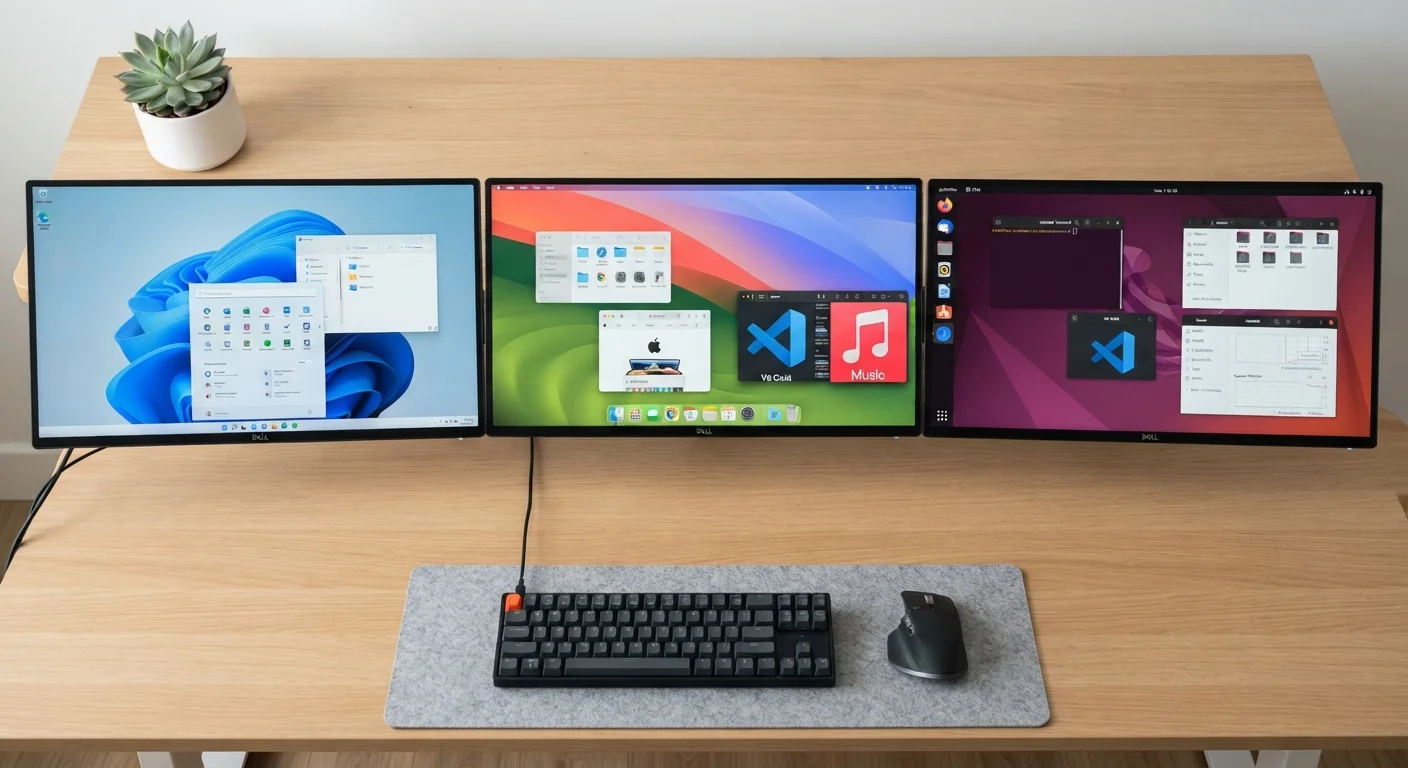
No single operating system is objectively superior - each serves a different kind of user well. Windows remains the most versatile and widely supported option, macOS delivers a refined experience tightly integrated with Apple hardware, and Linux rewards those comfortable with customization and open-source tools. Understanding what each prioritizes helps you match the OS to how you actually use a computer.
| Best for | Recommended |
|---|---|
| General everyday users who need broad software and hardware compatibility | Windows |
| Creative professionals and those already in the Apple ecosystem | macOS |
| Developers, privacy-conscious users, and those comfortable tinkering | Linux |
| Budget-conscious users seeking a free, capable operating system | Linux |
What an Operating System Actually Does
Think of your operating system (OS) as the translator between you and your computer's physical components - the processor, memory, storage, and screen. Without it, clicking a mouse or pressing a key would mean nothing. The OS manages all that communication behind the scenes, letting you open apps, save files, and connect to the internet without ever thinking about the hardware underneath.
Every computer, phone, and tablet runs an OS. On the desktop and laptop side, three systems dominate: Windows, macOS, and Linux. Each has a distinct philosophy, audience, and set of trade-offs. Understanding those differences helps you make sense of the device you already own - or make a smarter choice next time. If you're also curious how the hardware itself shapes your experience, see our guide to RAM, storage, and processing power.
Windows: Built for Compatibility
Developed by Microsoft, Windows runs on the vast majority of personal computers worldwide. Its biggest strength is compatibility - it supports an enormous range of hardware from hundreds of manufacturers and runs virtually all mainstream software, from productivity suites to games to professional creative tools.
Windows is also what most workplaces use, which matters if you bring work home. The interface has evolved significantly over the decades but remains recognizable: a taskbar, a Start menu, and desktop icons that most people learn intuitively.
On the downside, Windows has historically been a more frequent target for malware, largely because its market share makes it attractive to bad actors. Microsoft invests heavily in security updates to address this, but keeping the OS patched is genuinely important. Our guide to software updates explains how to manage that process confidently.
| Windows | macOS | Linux | |
|---|---|---|---|
| Cost | Paid (bundled with most PCs) | Paid (requires Apple hardware) | Free and open-source |
| Hardware flexibility | Works on most PC hardware | Apple hardware only | Works on most PC hardware |
| Software availability | Broadest selection | Strong, especially creative apps | Varies by distro; fewer mainstream apps |
| Ease of use | Familiar for most users | Polished, consistent interface | Steeper learning curve |
| Security & updates | Frequent patches needed | Generally strong, less targeted | Highly configurable, strong track record |
| Customization | Moderate | Limited | Extensive |
| Best suited for | General users, gamers, workplaces | Apple ecosystem users, creatives | Developers, privacy-focused users |
macOS: Polish and Ecosystem Integration
macOS runs exclusively on Apple's Mac hardware - you can't install it on a non-Apple machine without significant technical workarounds. That tight hardware-software pairing is part of why macOS feels so consistent: Apple controls both sides of the equation.
The OS is particularly well-regarded for its stability, smooth animations, and how naturally it connects with other Apple devices like iPhones and iPads. If you're already in the Apple ecosystem, features like Handoff (picking up a task on your Mac that you started on your iPhone) work seamlessly. Creative professionals - video editors, designers, musicians - often gravitate toward macOS for its robust media tools and reliable performance.
The trade-off is cost and flexibility. Mac hardware tends to carry a higher price, and you're limited to Apple's lineup. Customizing the OS itself is more restricted compared to Windows, and far more restricted than Linux.
Linux: Open, Flexible, and Free
Linux is not a single product but a family of operating systems - called distributions (or "distros") - built on a shared open-source foundation. Popular examples include Ubuntu, Fedora, and Debian. Anyone can inspect, modify, and redistribute the underlying code, which has produced a diverse ecosystem of options tailored to different needs.
Linux costs nothing to download and install, making it appealing to budget-conscious users or those who want to breathe new life into older hardware. It's also widely regarded as highly secure and stable, which is why it powers the majority of the world's web servers.
The main barrier for everyday users is the learning curve. While modern distros like Ubuntu have become significantly more user-friendly, finding equivalents to popular Windows or macOS software sometimes requires research, and troubleshooting issues may involve the command line - a text-based interface most casual users aren't familiar with. That said, for developers, IT professionals, and curious learners, Linux offers unmatched transparency and control.
Try Linux Without Committing
Most Linux distributions offer a "live" mode that lets you boot the OS directly from a USB drive without installing anything on your computer. This is a risk-free way to explore the interface and see if it suits you before making any changes to your existing setup.
Choosing Based on How You Actually Use Your Computer
The OS that fits you best depends on what you do every day. If your work relies on specific Windows-only software, or you game regularly, Windows is the practical choice. If you use multiple Apple devices and value a seamless, premium experience, macOS may justify the hardware investment. If you want control, privacy, and don't mind a steeper initial learning curve, Linux is worth exploring.
Keep in mind that switching operating systems also affects which apps you can use and how your files are organized - so it's worth thinking it through before committing. Our guide on desktop vs. laptop trade-offs is also worth a read if you're making broader decisions about your next device.